Linux Ubuntu Server系统安装
1.参考
2.环境准备
2.1.下载镜像
选择版本自行下载
https://ubuntu.com/download/server
2.2.制作启动盘
轻量化工具快捷制作
3.安装服务
3.1.U盘启动
各个厂商的bios不同,不演示
3.2.系统安装
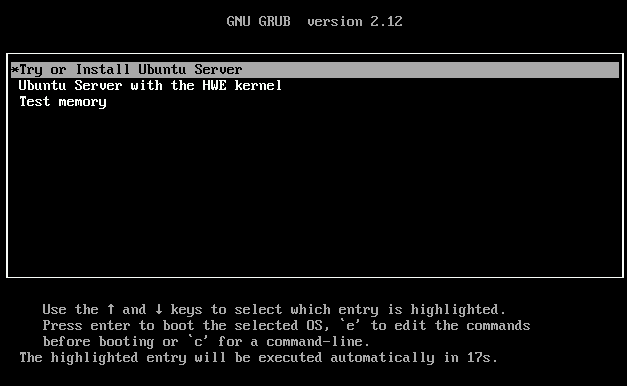
3.2.1.选择UbuntuServer安装
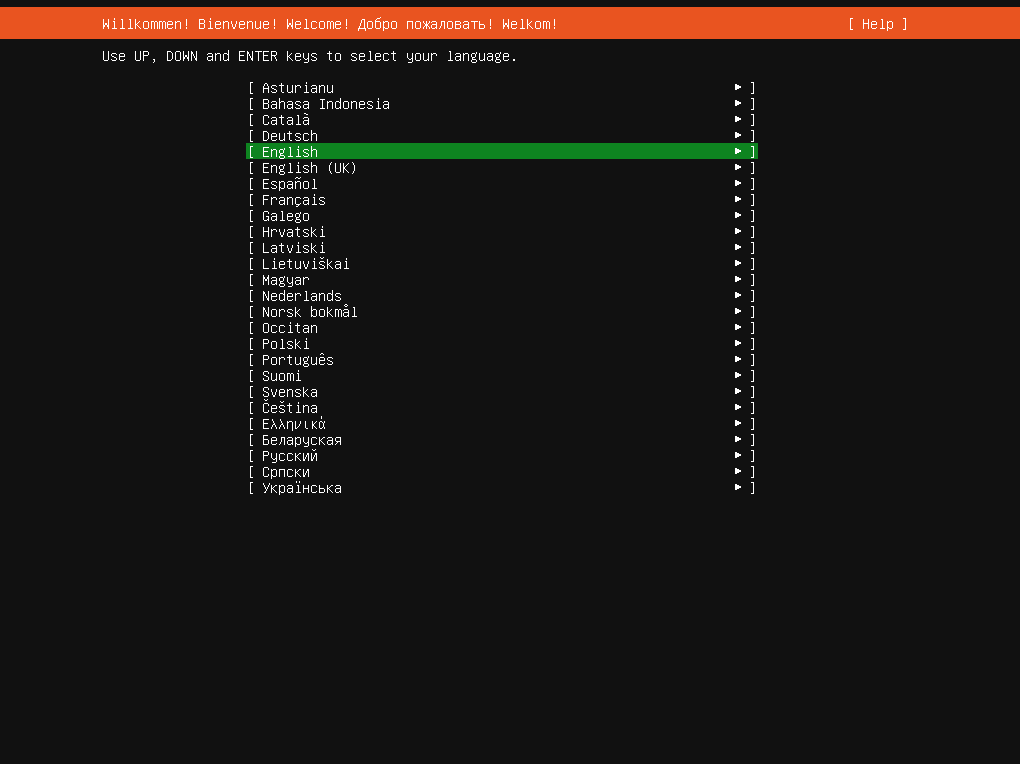
3.2.2.选择语言
使用默认值
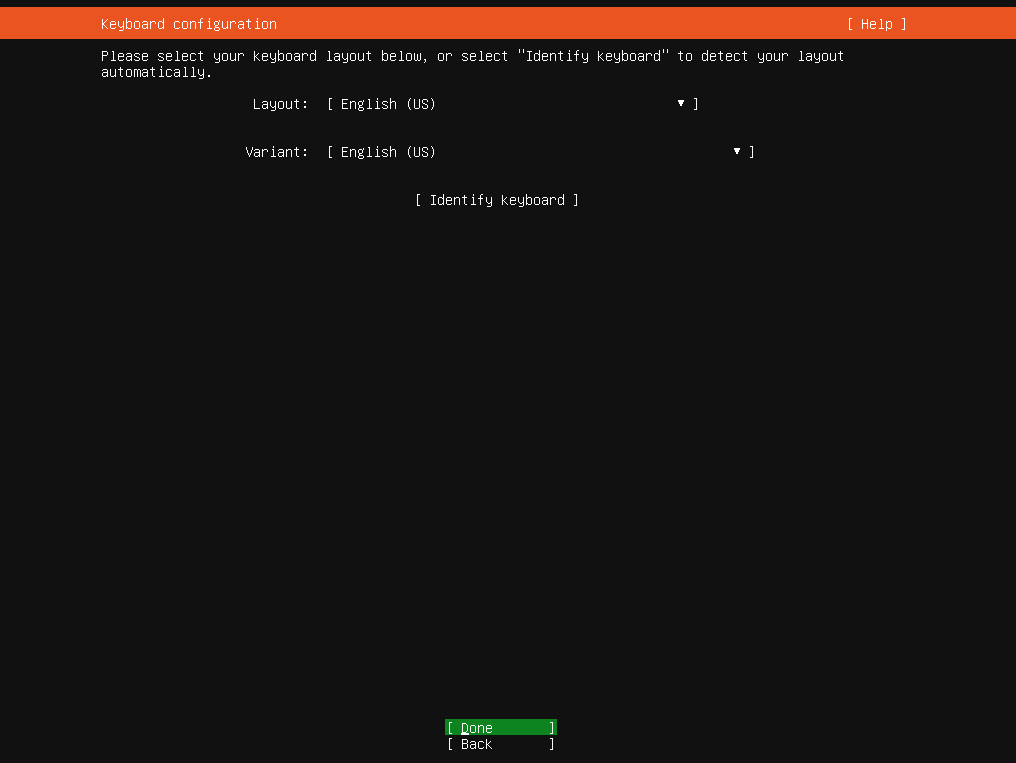
3.2.3.选择键盘语言
使用默认值
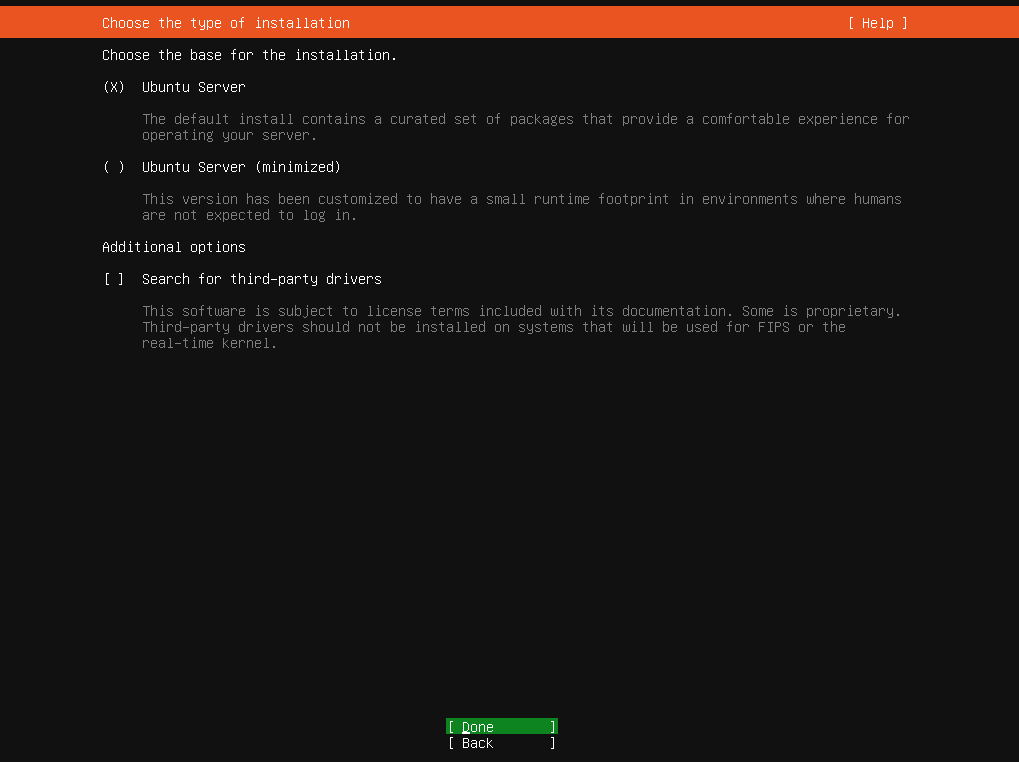
3.2.4.选择语言
Ubuntu Server 标准的服务器安装版,推荐使用
Ubuntu Server (minimized) 最小化安装版,只安装核心系统
Additional options 额外安装选项 / 高级选项
3.2.5.设置网络
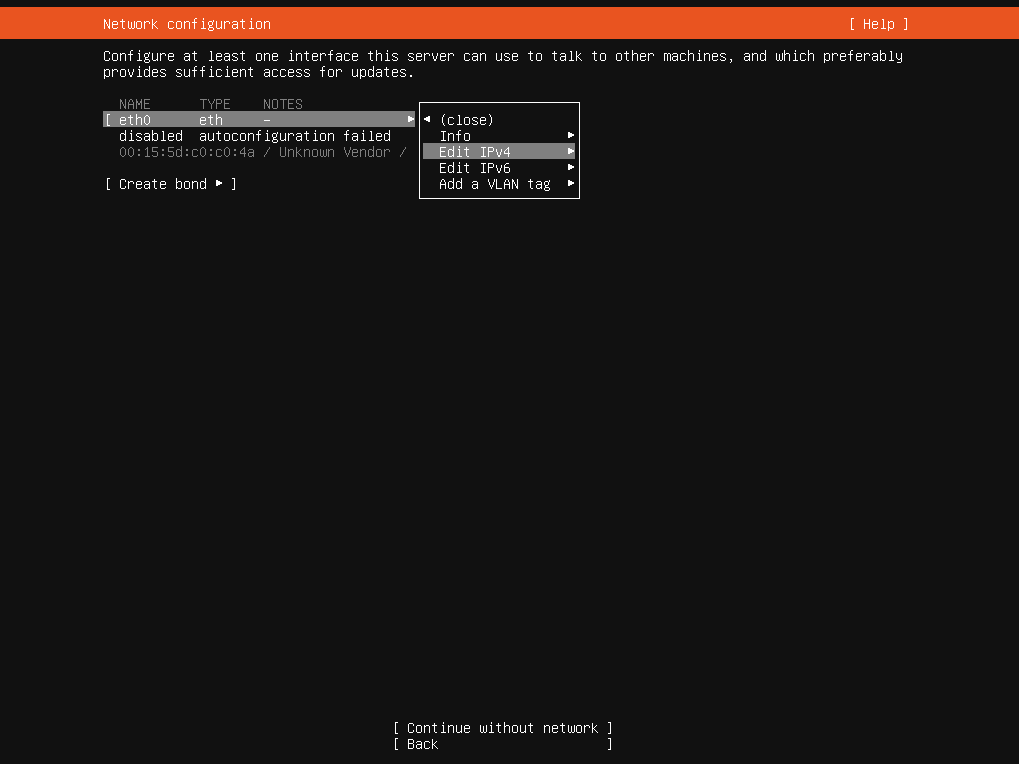
3.2.5.设置网络-手动设置
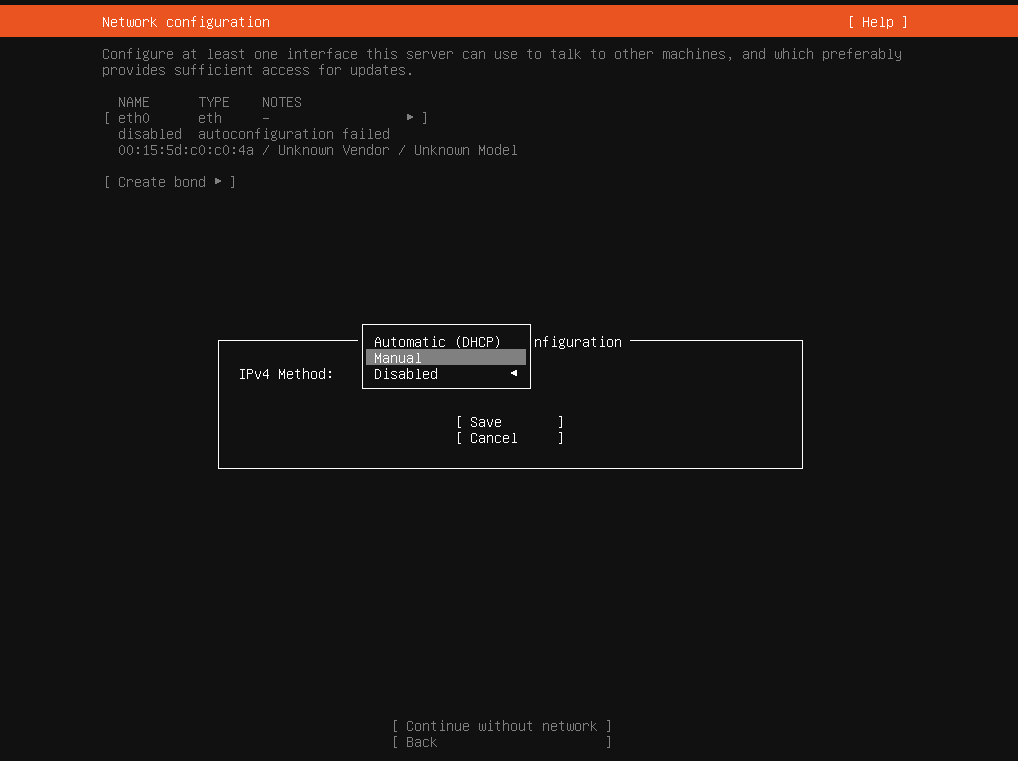
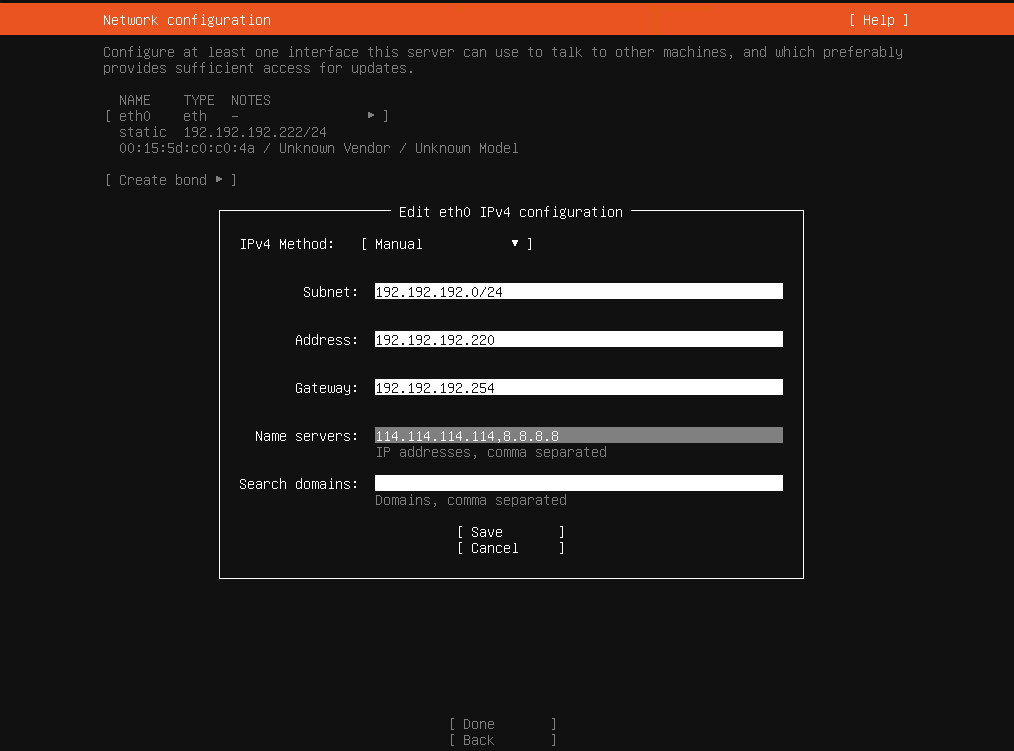
3.2.6.设置网络-手动设置-配置IPV4
Subnet 子网/子网掩码,用来区分网络位和主机位,例如:192.192.192.0/24 例如:192.168.1.0/24 代表:255.255.255.0` → 典型 C 类网段,可用 254 个主机
Address 静态IP地址,例如:192.192.192.220 例如:192.168.1.220
Gateway 网关/默认路由,例如:192.192.192.254 例如:192.168.1.1
Name servers DNS 服务器,例如:114.114.114.114,8.8.8.8
Search domains 搜索域 / 域名后缀
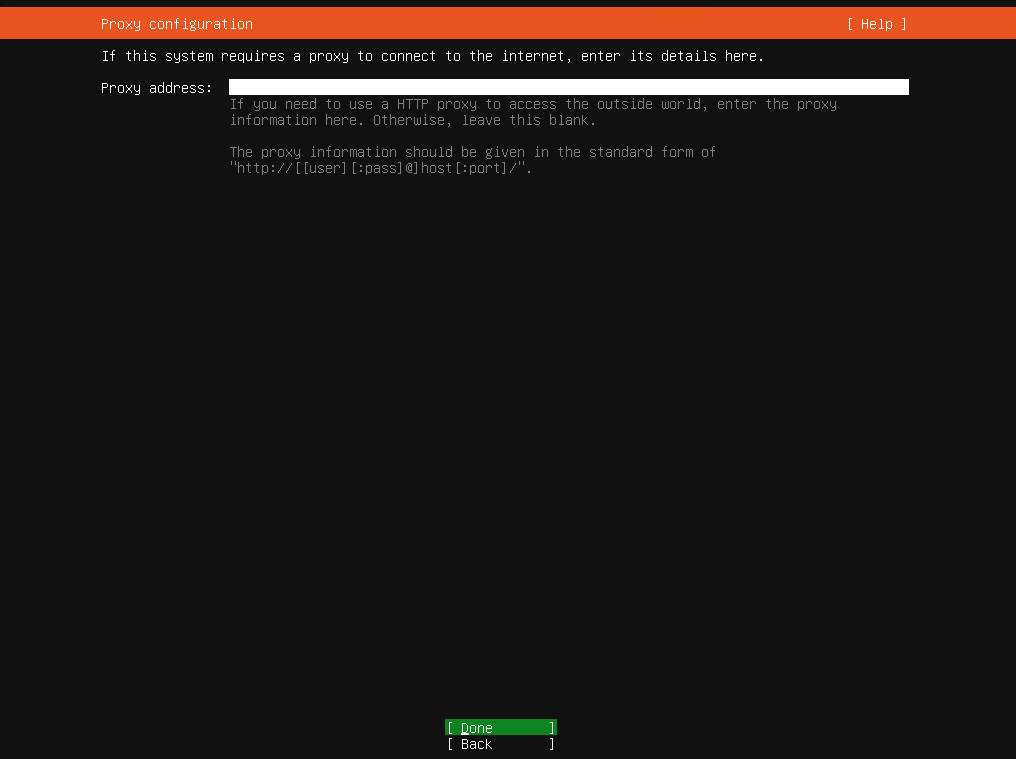
3.2.7.代理配置
跳过
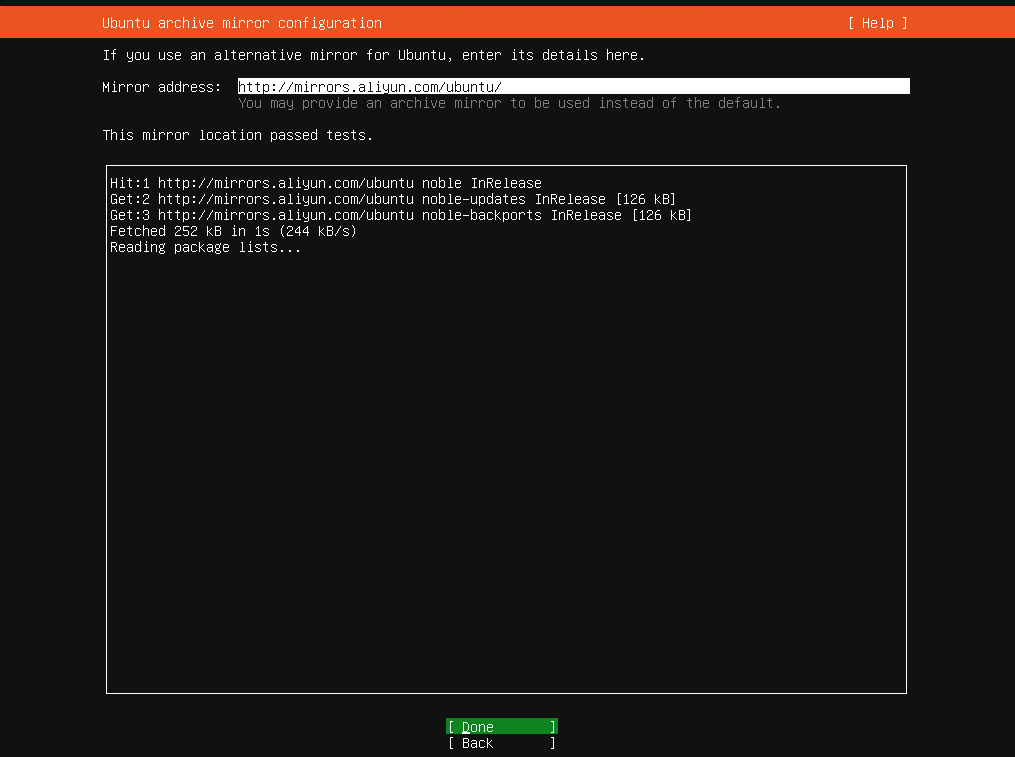
3.2.8.镜像源配置
阿里云 http://mirrors.aliyun.com/ubuntu
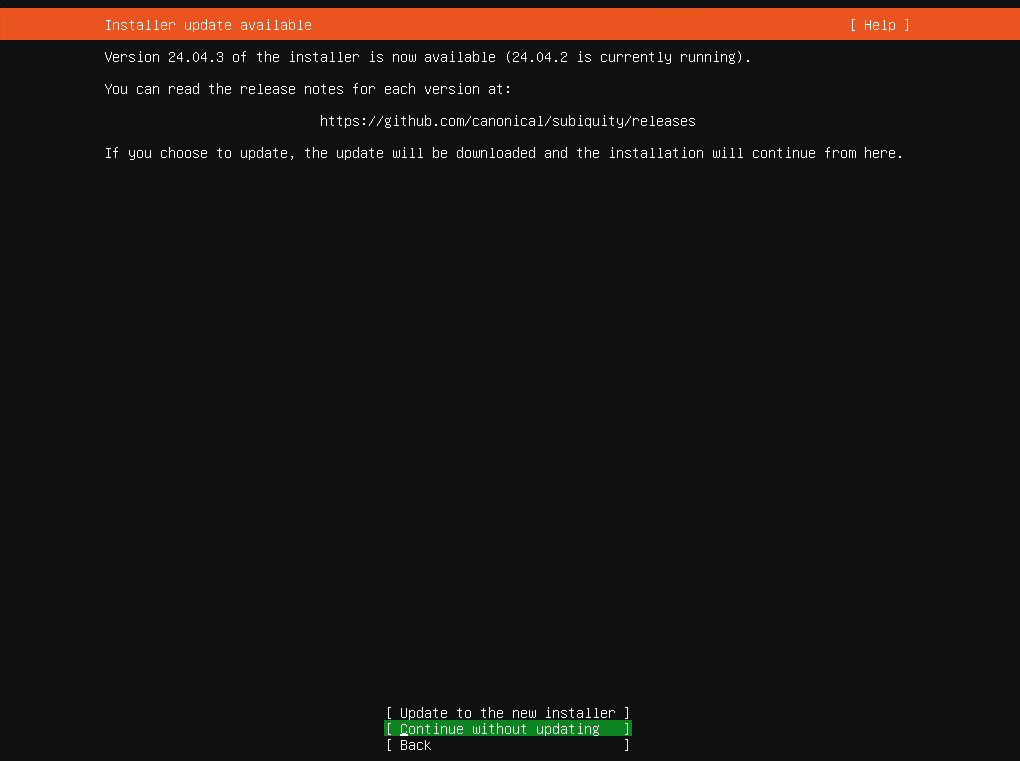
3.2.9.Ubuntu 更新
Update to the new installer 更新新版本
Continue without updating 继续安装,不进行更新
这里选择 Continue without updating
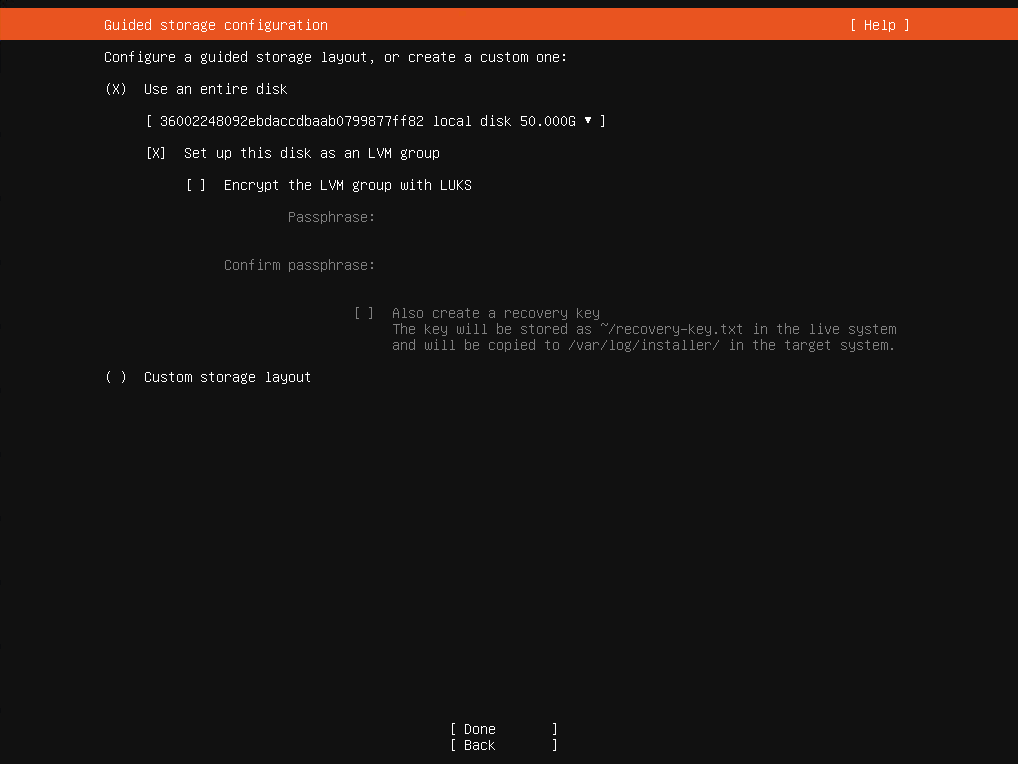
3.2.10.磁盘配置
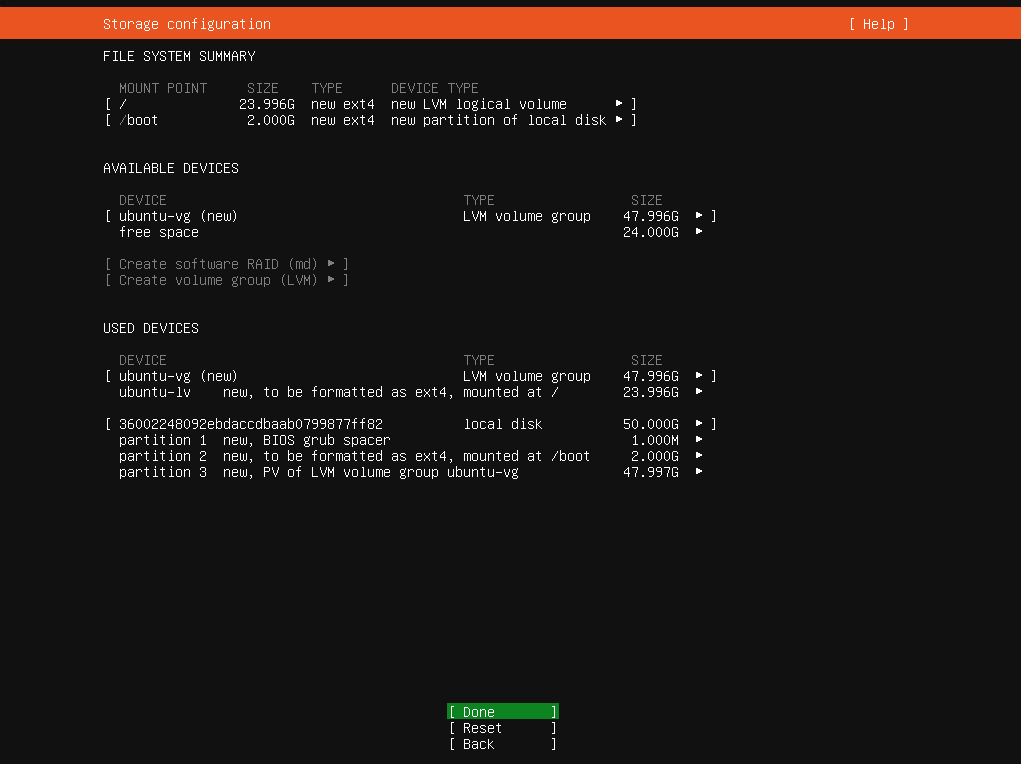
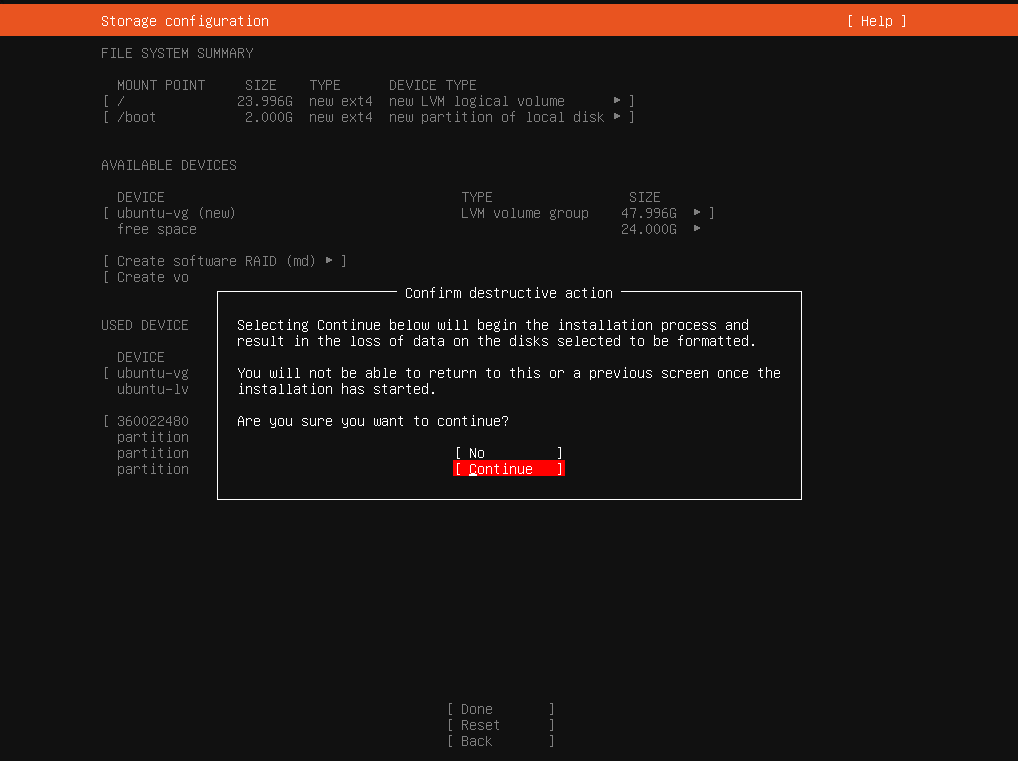
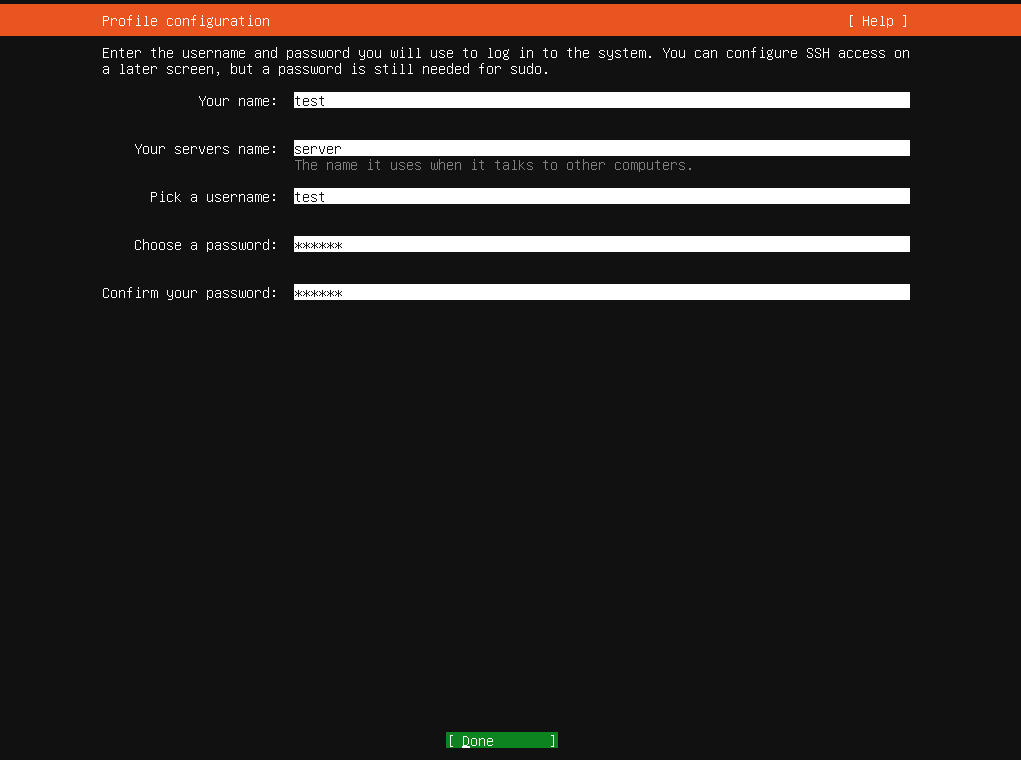
3.2.11.用户环境配置
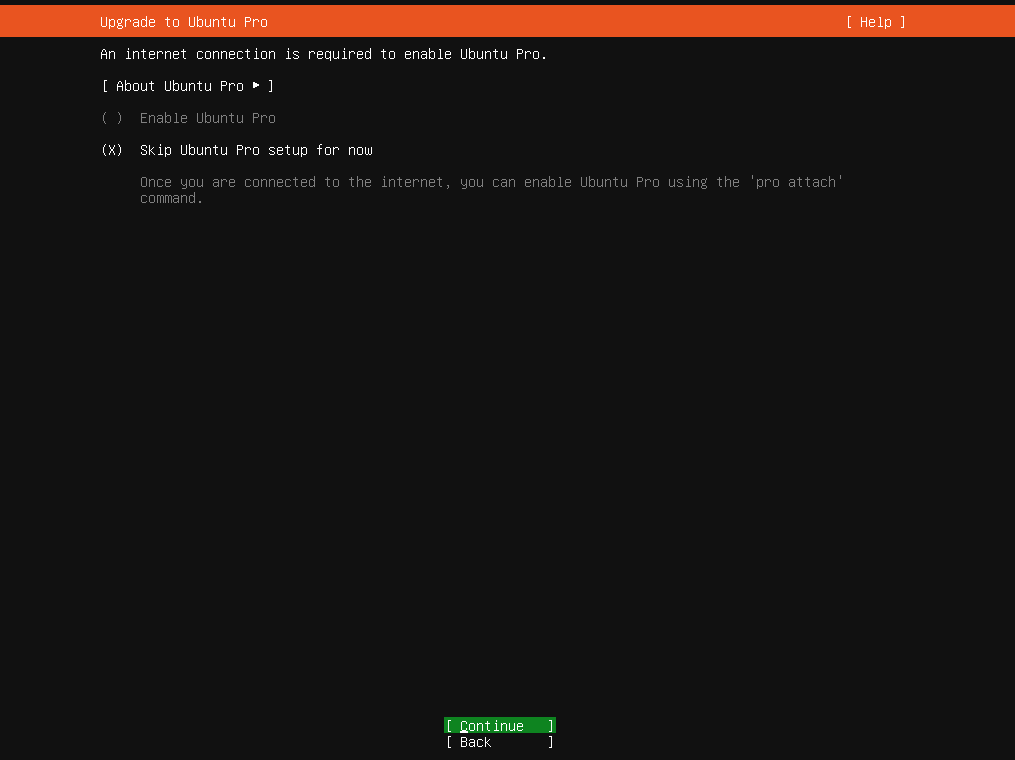
3.2.12.升级到 Ubuntu Pro
Enable Ubuntu Pro 启用 Ubuntu Pro
Skip Ubuntu Pro setup for now 暂时跳过 Ubuntu Pro 设置
本次跳过
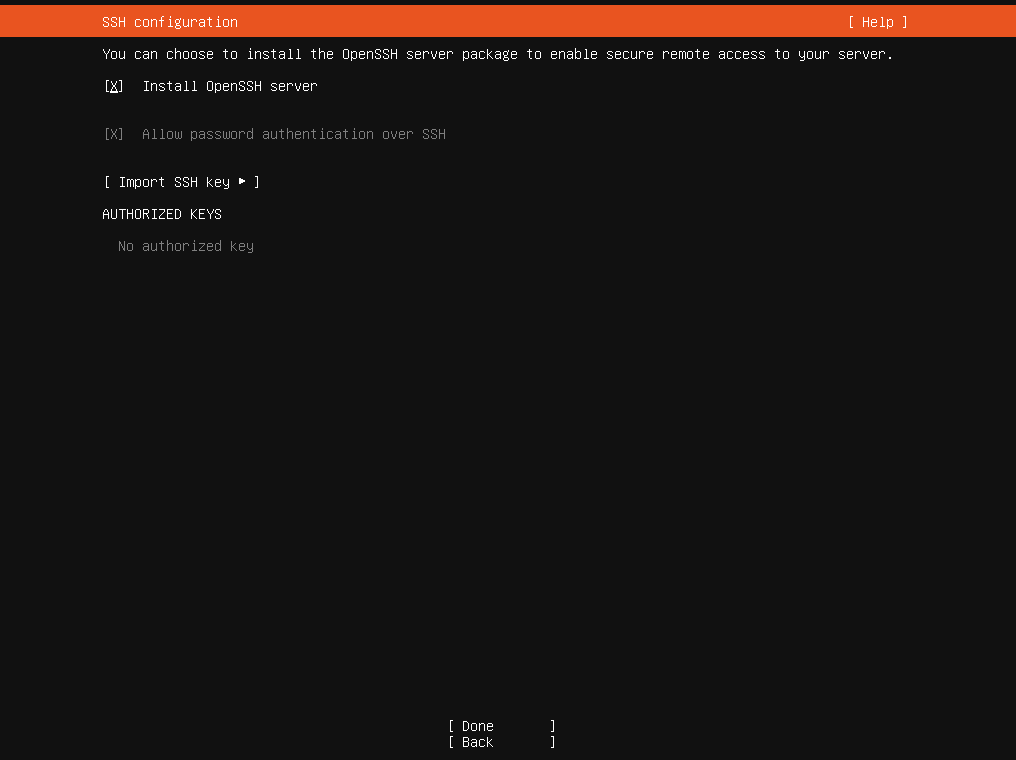
3.2.13.SSH配置
Install OpenSSH server 安装SSH服务
选择安装
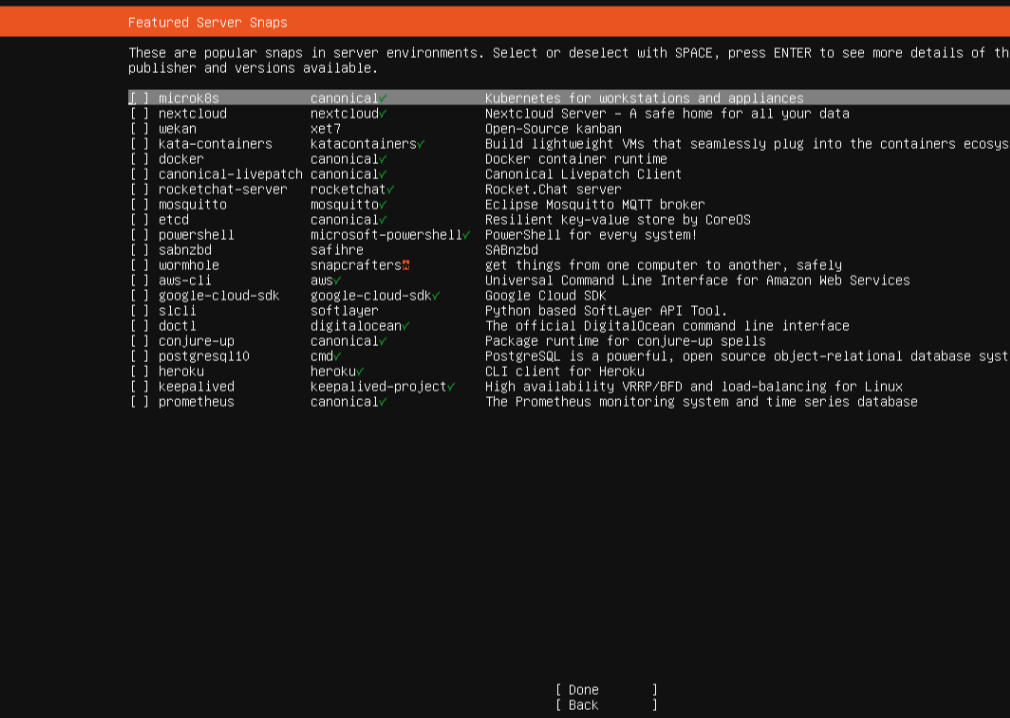
3.2.13.安装服务
这里不建议安装取消勾选完成
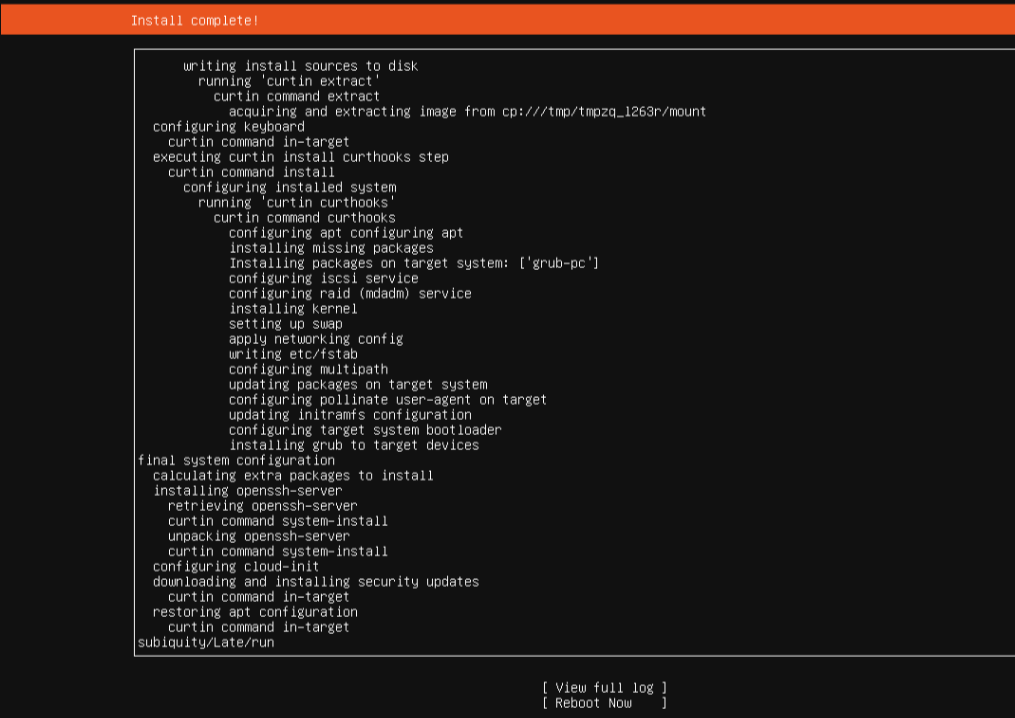
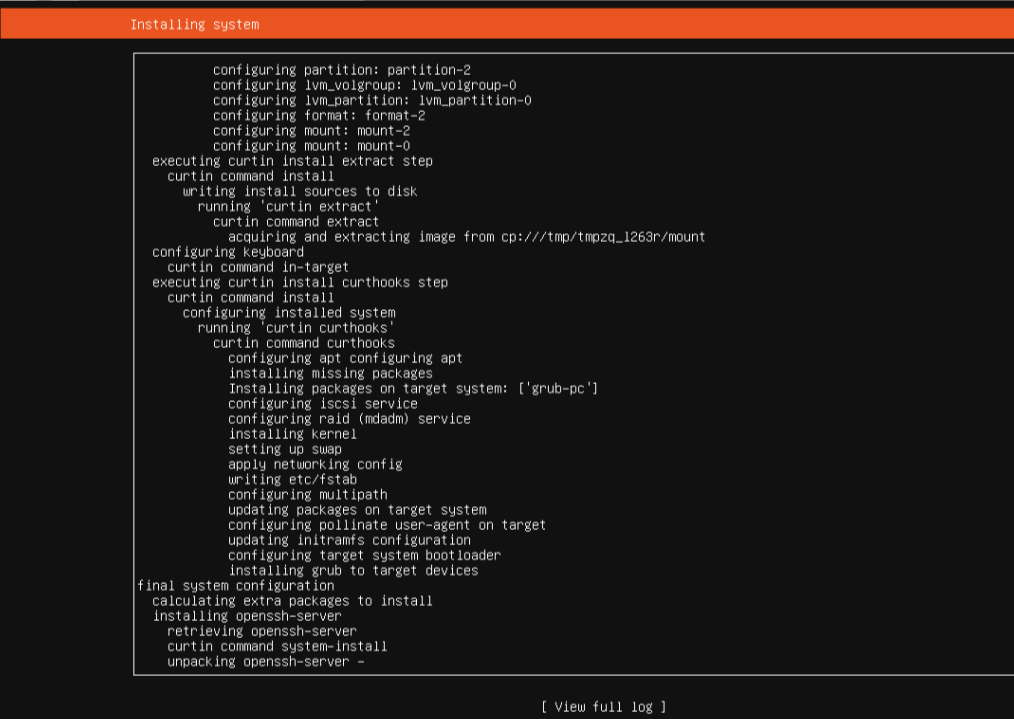
3.2.14.安装
3.2.15.重启系统
reboot now 现在重启